The Templately AI Editor lives inside Elementor and Gutenberg. Describe the change in plain words - it edits the page, you review and save.
Demo of the AI Editor: asked to “Rewrite the heading to sound friendlier and more personal”, it changes the page heading to “Let’s Grow Your Business Together”. Then it is asked to change the navbar’s primary color.
Anything you would normally dig through settings panels for: text, styles, layout, new sections and more. Pick a group to see the kind of request that works.
Works the same in Elementor and Gutenberg.
Get StartedExample: “Rewrite the heading to sound friendlier”. Changed it to “Let’s Help Your Small Business Thrive Together”.
Headings, buttons, paragraphs, lists: in your words, or ask for a shorter or friendlier version.
Example: “@Testimonials Purple heading and rounder photos”. Done. The heading is purple and the photos are rounder.
Color, typography, borders, spacing, size, alignment, and the rest of the usual style settings.
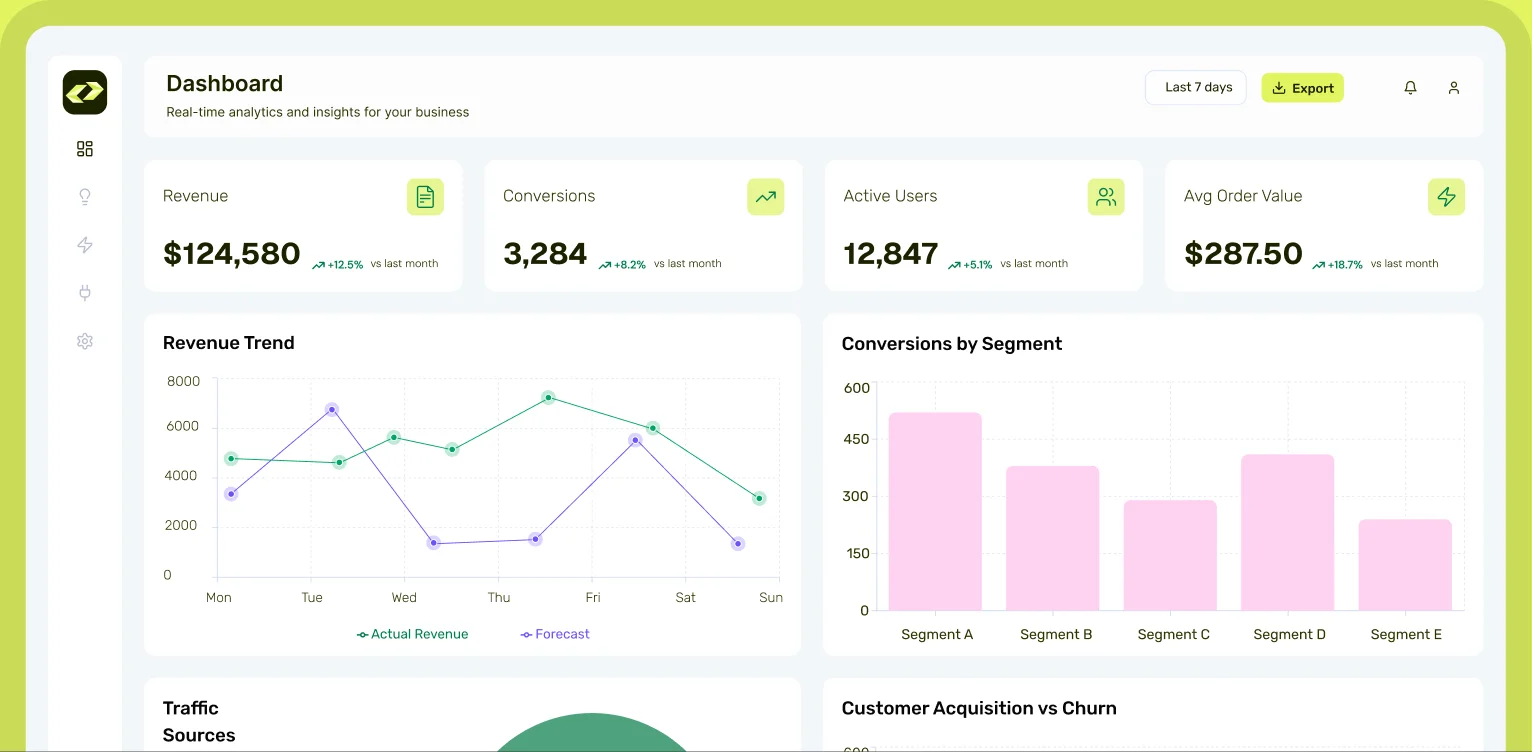
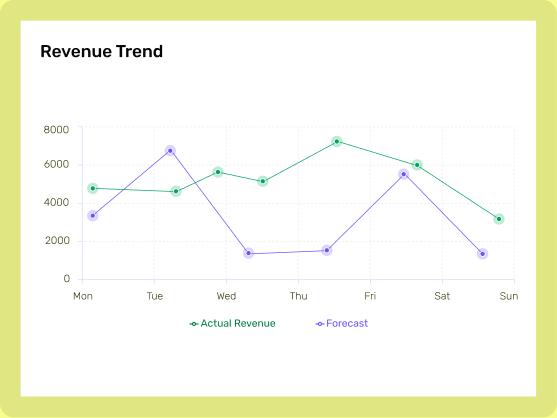
Example: “Swap the columns in this section”. Swapped them. The chart now comes first.
Reorder sections, swap columns or put an element first, just by asking.
Example: “Add an integrations section below the reviews”. Added a matching section from the Templately library.
Ask for a section by name and the editor drops in a matching design from the Templately library.
The usual editor panels get out of the way, leaving just the canvas and the chat. Your real editor still saves every change.
Example: in the AI Editor, the footer's social icons are selected and added to the Templately AI context. The request “Make these icons stand out” gets the reply “Done. The icons are now purple and fully rounded.”
Short, specific requests are faster, cheaper and easier to review. Compare a vague request with one that works.
One claim per account, for people who have not used the AI Editor yet. The credits join your purchased balance and never expire.
Still unsure?
Talk to support Templately AI